Install RexRent and enable notifications

It only takes a couple of minutes to keep important rental updates close at hand

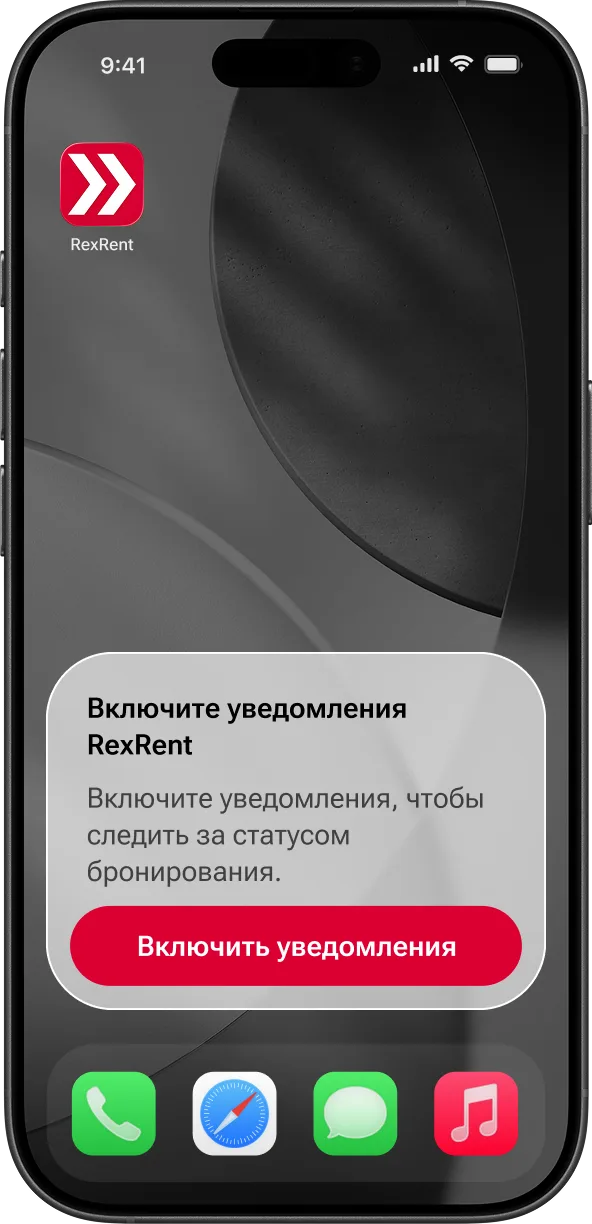
Add the RexRent icon to your Home Screen and enable notifications to follow booking, payment and vehicle return updates faster.

How to add the icon to your phone

For iPhone / iPad

  1. Open rexrent.ru on your phone
  2. Tap Share
  3. Choose Add to Home Screen

For Android

  1. Open rexrent.ru on your phone
  2. Open the browser menu
  3. Choose Add shortcut to Home screen

How to enable notifications

Open the app
Tap Menu in the top-right corner
Open your account and sign in
Confirm notifications